Key takeaways:
- A smart bulb is the simplest entry into a smart home and immediately changes the way you use light.
- A smart plug turns ordinary devices into smart ones, without buying new appliances.
- Motion and contact sensors help with automation and security with minimal setup.
- All these devices connect via Wi-Fi or Zigbee protocol, without the need for complex installation.
- Start with one device and gradually build your system, you don’t have to do everything at once.
Smart home for beginners sounds like something expensive and complicated, but in practice, it’s enough to start with two or three devices. The first steps are simple: a smart bulb, a plug, or a sensor. These devices don’t require construction work or technical knowledge, just connect them to an app and start using them. In this article, we’ll go through what you need, how to connect, and what to buy first.
Why exactly a smart bulb, plug, and sensor?
When you’re just entering the world of smart home, the biggest mistake is buying too many things at once. Three devices cover 80% of your needs:
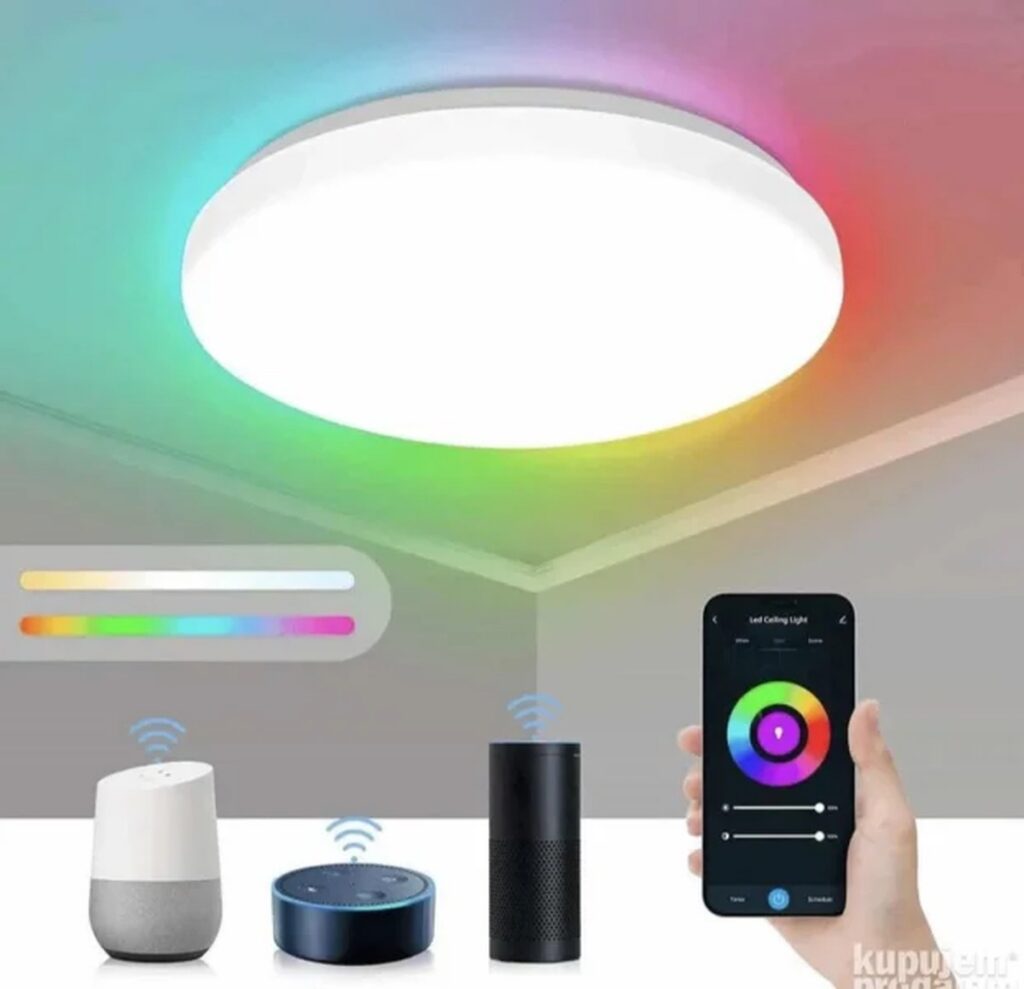
- Smart bulb – change color, brightness, turn on and off from your phone or voice.
- Smart plug – plug in a regular lamp, hair dryer, or heater and control them remotely.
- Motion or contact sensor – detects movement or whether the door is open and triggers automation.
These three devices are the cheapest entry point and immediately give you a feel for how a smart home works.
How do smart devices connect?
Most beginner devices use Wi-Fi or Zigbee protocol. Wi-Fi devices connect directly to your home router, install the app, pair the device, and you’re done. Zigbee devices require a hub (bridge) that connects all sensors and bulbs into one network, but they are more stable and use less energy. On the Smart Home Shop website, you can see which devices come with a hub and which work standalone. Recommendation: start with Wi-Fi devices if you don’t plan to buy more than 5-6 pieces.
Smart bulb – the first step into automation
A smart bulb is the easiest way to feel the benefits of a smart home. Put it in a night lamp or chandelier and set it up through the app:
- It turns on in the evening before you get home.
- It turns off automatically when you leave the room (if you have a sensor).
- It changes color for ambiance, cool for work, warm for relaxation.
Most smart bulbs screw in like a regular one, except you use your phone instead of a switch. Important: don’t forget that the switch must be on for the bulb to work, don’t turn it off physically.
Smart plug – turns ordinary devices into smart ones
A smart plug is perhaps the most practical device. Plug it into the wall, then plug a regular lamp, coffee machine, fan, or heater into it. Then:
- Set a timer for the coffee machine to turn on at 7:00.
- Remotely turn off the heater if you forgot.
- Connect it with a motion sensor so the lamp turns on when you enter the room.
Smart plugs usually also measure electricity consumption, so you can see how much a particular device uses. They don’t require any installation, just plug them in and pair them.
Sensors – the eyes and ears of a smart home
Sensors are what make a smart home truly smart. The two most common for beginners:
- Motion sensor – detects movement in the room. It can turn on the light, send a notification, or trigger an alarm.
- Contact sensor – mounts on a door or window. It alerts you if someone entered or if the door was left open.
These sensors are small, run on batteries (lasting 6-12 months), and stick with double-sided tape. They connect to a hub or directly to the app, depending on the model. When you connect them to bulbs or plugs, you get automation without any programming.
How to choose your first device and what next?
The best advice: start with one device. If you want to see how it works, get a smart bulb, it’s cheap and gives immediate results. If you need more control, get a smart plug. Add a sensor later, when you understand where you need automation. At Smart Home Shop, all devices are described with compatibility, so you can easily choose. Don’t buy everything at once, a smart home is built gradually. The first device will convince you it’s worth it, and then you can add sensors, cameras, thermostats…
Check out the offer
Frequently Asked Questions
Does a smart bulb work without internet?
Most smart bulbs require internet for initial setup, but later they can work locally (over Wi-Fi) if the app supports it. Without internet, you can’t control them remotely, but basic functions (on/off) work.
Does a smart plug consume electricity while plugged in?
Yes, but negligibly, usually 0.5-1 W in standby mode. That’s less than a bulb that’s on. If you’re concerned, you can turn it off physically, but you lose remote control.
Can I connect smart devices from different brands?
It depends on the protocol. Wi-Fi devices from different brands often only work in their own app. Zigbee devices (via a hub) can connect if the hub supports multiple brands. Before buying, check compatibility on the Smart Home Shop website.
How do I set up automation with a motion sensor?
In the app, create a scene: “if the sensor detects motion, turn on the bulb”. Most apps have a simple editor, no programming needed. Set the time (e.g., only at night) and duration (e.g., 5 minutes).
Can a contact sensor be used for an alarm?
Yes. When the door opens, the sensor sends a notification to your phone. You can also connect it to a sound alarm if the device supports it. It’s useful for entry doors, windows, or a child’s room.